Improving Staff Productivity Through Workflow Optimization
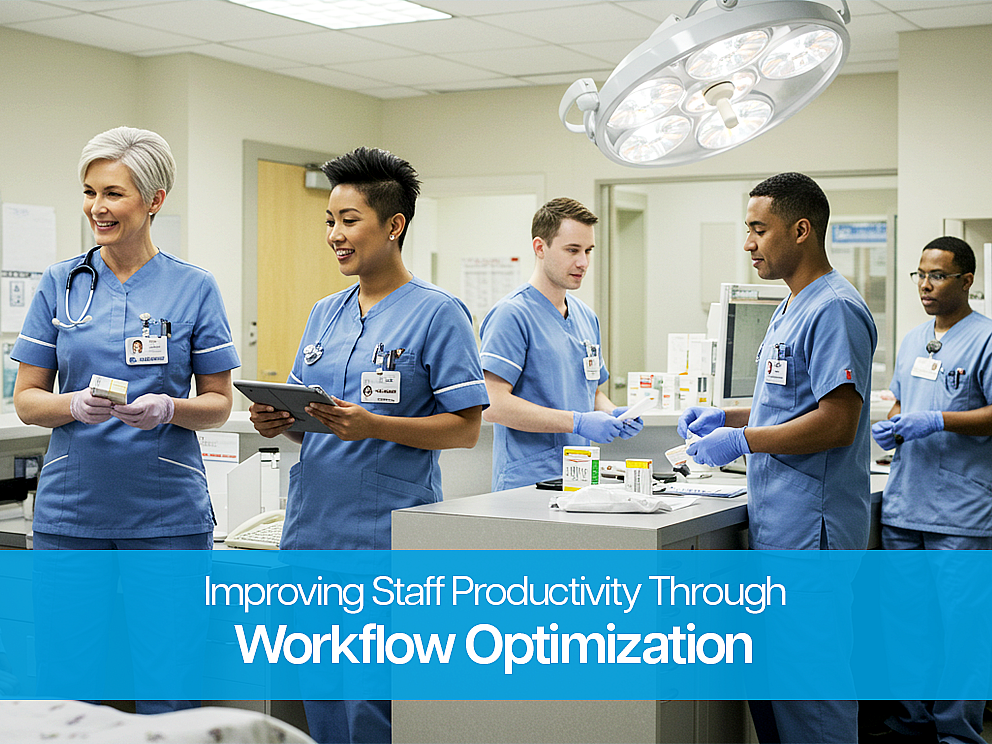
Clinicians are caring for more patients than ever—while spending more time navigating screens than they’d like. That strain doesn’t end when the shift does. Many find themselves finishing notes at home, tackling crowded inboxes, and managing clicks that pull their attention away from what matters most: care.
The American Medical Association continues to track widespread burnout, even as some indicators improve. That tells us one thing clearly—supporting clinicians means easing the burden of daily workflows.
Together, we can rethink how the EHR and supporting tools work—not just for efficiency, but for people. Here’s how thoughtful, tailored changes can return time to patients, teams, and the moments that matter most.
1. More Time Where It Matters: At the Bedside
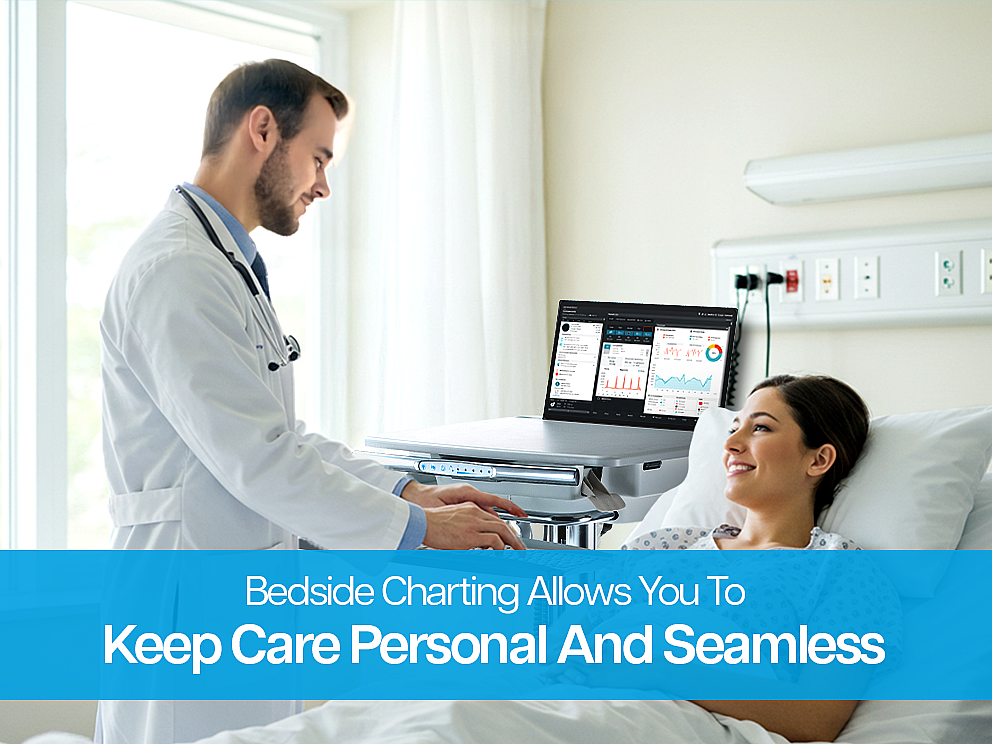
Charting is part of care—but it shouldn’t pull clinicians away from it. When documentation tools move with the clinician, care and charting happen side by side. Whether it’s a mobile cart or a low-profile wall station, seamless tools help teams complete notes in real time. Larger screens support patient education and fast chart checks, while smart templates reduce clicks and keep shifts consistent.
The outcome: fewer steps, faster notes, and more meaningful time with patients.
2. Cut Clicks, Keep Care
Small improvements create big impact. Clearer dashboards, fewer required fields, and smart defaults all reduce repeat work—without cutting corners. Built-in order sets, quick-fill favorites, and intuitive shortcuts let teams focus on what’s new, not what’s already known.
Less time on routine steps means more focus for complex care—and an easier ramp for new team members.
3. Tools That Are Ready When You Are
When gear isn’t where you need it—or isn’t working—everything slows down. Clean cable management, wipeable surfaces, and power that lasts the full shift make a real difference. Reliable carts and wall stations keep essentials close and the day moving.
When tools are easy to move and comfortable to use, clinicians spend less time searching—and more time supporting care.
4. An EHR That Fits Your Team
Each service line has its own rhythm. Specialty-specific views, familiar order bundles, and simplified templates bring clarity to the EHR experience. Prioritizing only the most essential alerts reduces digital noise and sharpens focus.
Tailored views and quiet, meaningful alerts help teams work with confidence—not distraction.
5. Support That Stays Close
Training and support work best when they meet teams where they are. On-the-floor walkthroughs, quick-reference tip sheets, and peer champions offer just-in-time guidance. Weekly feedback check-ins—like “What’s getting in your way?”—keep improvements practical and ongoing.
Real-time support builds trust and gives teams a voice in shaping what comes next.
6. Progress You Can See—and Feel
Choose a few simple metrics: note closure times, after-hours work, task steps saved, or throughput milestones. Then share them transparently. When teams can see the difference, it builds momentum. If something’s not helping, adjust and keep moving forward.
Visible wins reduce invisible burdens—and help everyone see where time is going, and how to get it back.
A Smarter Workflow, Not a Heavier One
Workflow optimization should feel empowering—not exhausting. When documentation happens at the bedside, gear is easy to use, and systems are designed with people in mind, care flows more naturally. The result? Greater productivity, less strain, and more space for meaningful connection.
At Altus, we design mobile workstations and wall-mounted systems that support the way care really happens—on the move, in close quarters, and always focused on the patient. With ergonomic design, wipe-friendly materials, and all-shift battery power, our solutions are built to fit your team and your space. Let’s find the right setup for you. Schedule your virtual demo: altus-inc.com/virtual-demo to explore how Altus can support your workflow goals.